
Manage Your Running Compute Time Project
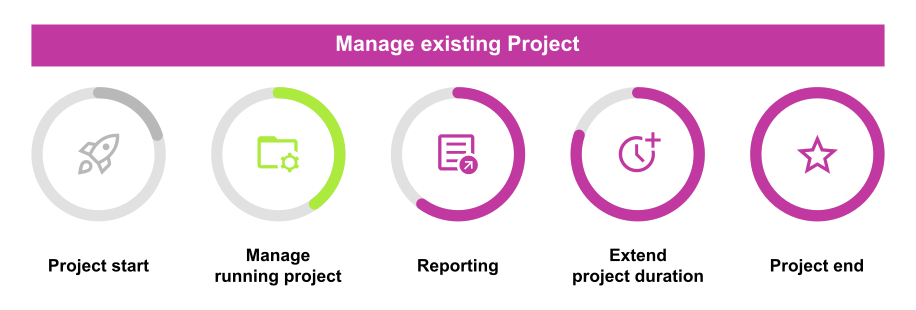
The management of a running compute time project includes:
- Project member management: Provide or change membership
- Project contingent management: Migrate between the HPC clusters, modify the project duration, compute contingent, or file system quota
Both project administration tasks are described on this page.
Project Member Management: Provide or Change Membership
Change Membership (Add or Remove Members)
This applies to principal investigators (PIs) or project administrators (PAs) from Paderborn University:
The PI and PA of a granted project can add or remove members via the ZIM service portal.
|
This applies to principal investigators (PIs) or project administrators (PAs) with a different affiliation:
|
Create User Account
If you want to be added to a compute time project, you need a Paderborn University account (ZIM account). Please follow the steps below to create an account:
- Find out the project acronym. This is a string like `hpc-prf-lsdfa`. If you are unsure, please ask the principal investigator (PI) of the project.
- Fill out the online account request form at PC²-JARDS
- After submitting, you will receive a PDF via mail. Please sign the PDF and have the principal investigator of the project sign it (either by hand or digitally).
- Send the signed PDF to pc2-support@uni-paderborn.de.
- The account will be created within a few days, and you will be notified via email.
Project Contingent Management
The following changes are possible within the project contingent management:
- The compute contingent can be moved between the clusters according to these guidelines. Write a short email to pc2-support@uni-paderborn.de with the requested change.
- Some project types can also extend the duration of a project, more information can be found on that separate page.
- If you are considering a project resource extension, the key factor is determining the exact amount of additional resources required. Whether your needs are above or below 25% of the initially requested resources is essential. The following table shows the possibilities depending on the project type:
| Amount of Additional Resources (Compute Contingent, File System Quota) | |||
|---|---|---|---|
| Project Type | Increase by UP TO 25% | Increase by MORE than 25% | |
| NHR-large | Yes, possible once during the approved period of the application. Write a short email to pc2-support@uni-paderborn.de with the requested change (in CPU/GPU/FPGA-Core-hours, disk quota, HPC cluster, etc.) and the reason for the change. | No, currently the NHR compute time regulations do not permit an increase beyond 25% of the initially granted resources. Please contact us at pc2-support@uni-paderborn.de so that we can find a solution for your individual case. | |
| NHR-normal | |||
| NHR-starter | depending on needs, request on demand | ||
| small | The resources of a small project can be increased up to the limit of small projects (see the resource overview table). If the principal investigator has multiple small projects, the sum of resources for these projects must not exceed 8 Mio. CPU-core-hours and 10 thousand GPU-hours per year. | ||
| fpga | |||
| test | depending on needs, request on demand | ||